Search
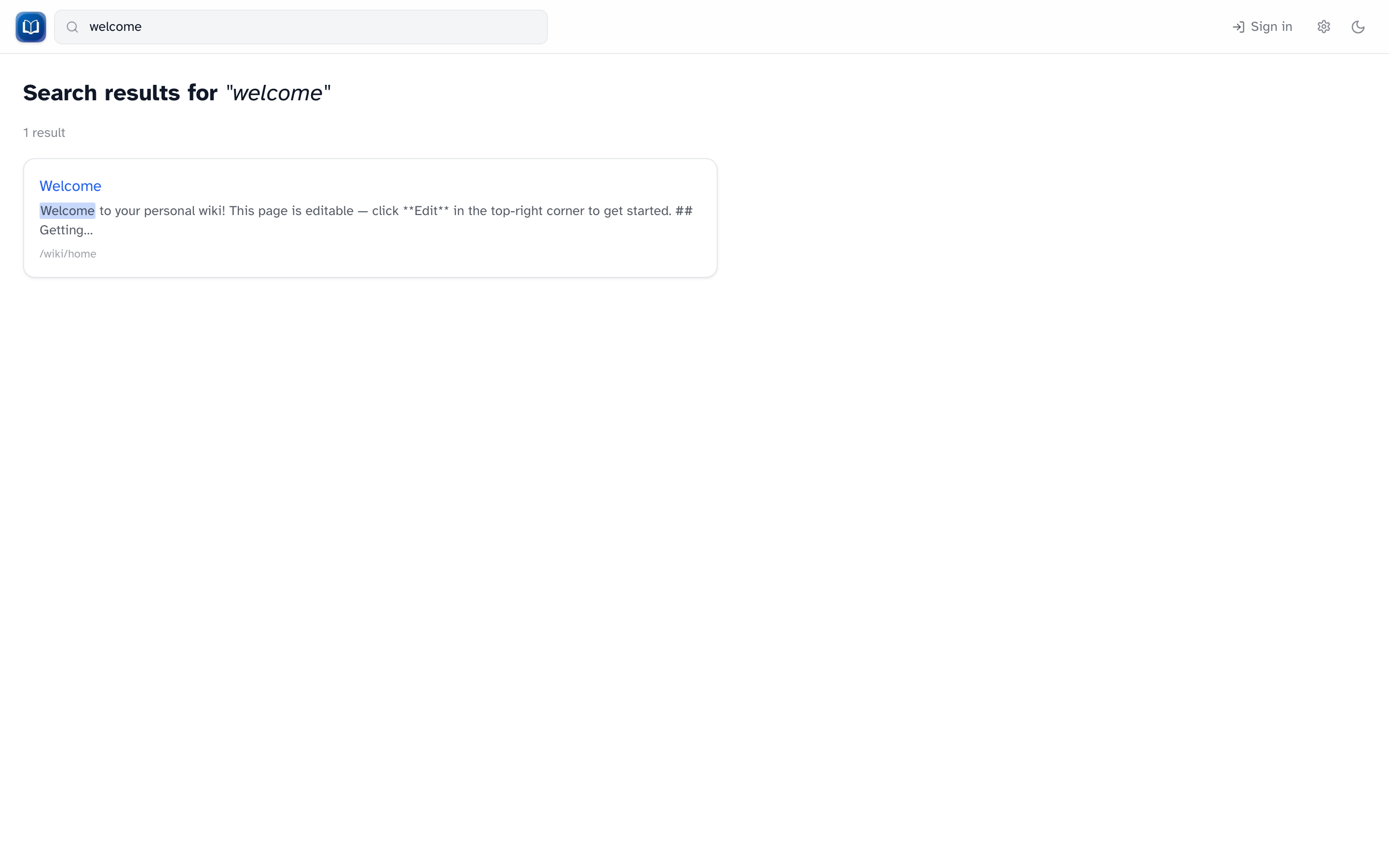 Full-text search results with highlighted snippets.
Header search
The search box in the header is the fastest way to find something:
- Type at least three characters
- Up to eight suggestions appear
- Use ++Up++ / ++Down++ to move, ++Enter++ to open, ++Escape++ to close
- View all results opens the full search page
Full results
Press ++Enter++ in the header search, or go to /search?q=your+query.
You'll see matching pages with highlighted snippets. If you're signed in and nothing matches, you can Create "[query]" to start a new page with that title.
What's searchable
Search covers articles and help pages, like the built-in /wiki/help. Just type the words you'd expect to find on the page.