Accounts & access
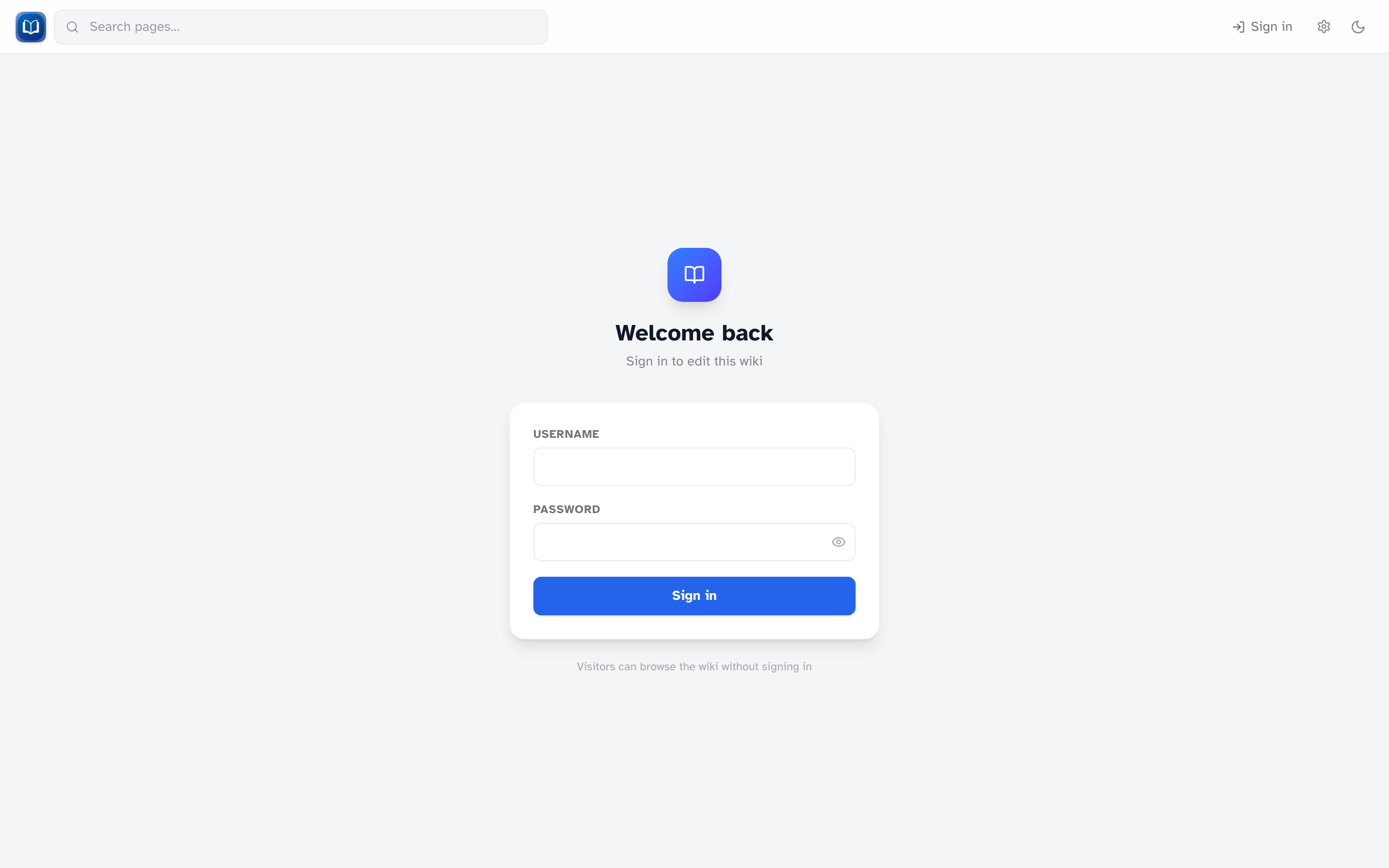 Visitors can browse without signing in when public read is enabled. Editors sign in via this form.
Public read vs private wiki
On most home-network setups, public read is on — anyone can browse and search without an account. That's the default.
If your wiki is on the public internet, the person who hosts it may turn public read off (PUBLIC_READ=false). Then every page requires a login.
Roles
| Role | What you can do |
|---|---|
| Visitor | Read and search (when public read is on), change reading settings |
| Editor | Everything above, plus create and edit pages, upload files, restore revisions, use extensions |
| Admin | Everything above, plus the admin dashboard: users, backups, extension toggles, revision limits |
Every account can edit everything
There is no read-only editor role. If someone has an account, they can edit any page. Only give accounts to people you trust with the whole wiki.
Signing in
- Click Sign in in the header (or go to
/login) - Enter your username and password
- Use the eye icon to show or hide your password while typing
After a successful login, you return to the page you were on. If you clicked something that required login first, the URL may include ?next=/some/path to send you back there.
Password rules
- At least 8 characters
- Every new account must change its password on first login
- After that, any signed-in user can change their password at
/admin/change-password - Admins also have a Password link in the admin dashboard header
On first login, set your new password before doing anything else on the wiki.
Signing out
Click Sign out in the header.
Who needs an account?
| Task | Account required? |
|---|---|
| Read pages (public wiki) | No |
| Search | No |
| Create or edit pages | Yes |
| Upload files | Yes |
| View history / restore revisions | Yes |
| Admin dashboard | Yes (admin role) |
Too many login attempts
After several failed sign-in attempts, you'll be asked to wait before trying again (about 15 minutes). This is normal — wait it out, or double-check your username and password.