First login
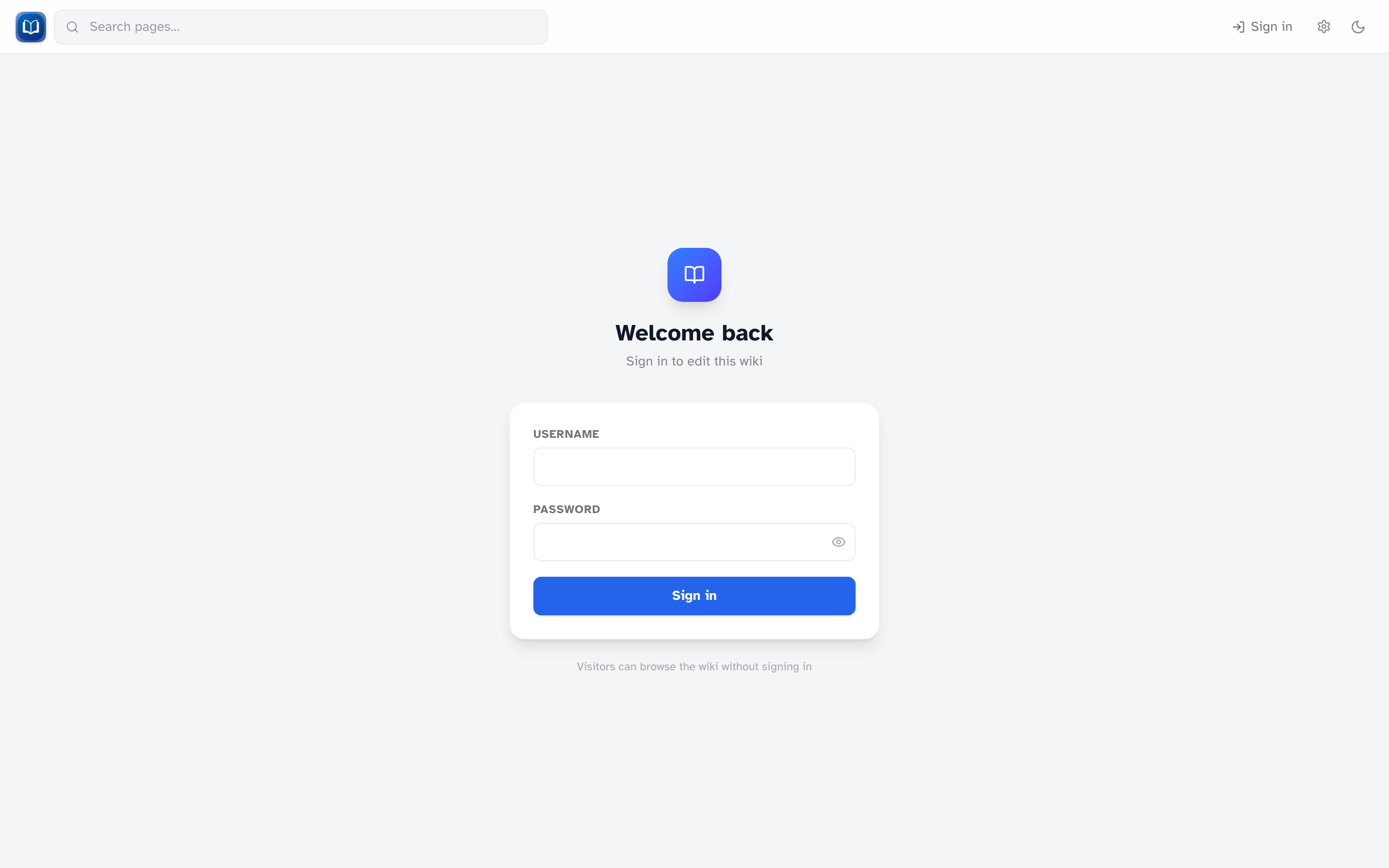 The sign-in form at
/login.
The first time Simple-Wiki starts with an empty database, it creates an admin account. This only happens once.
Getting the password
Default: the server prints a random one-time password in the terminal:
[auth] Created initial admin user.
[auth]   Username: admin
[auth]   One-time password: <random-password>
Ask whoever installed the wiki, or check the logs from that first startup. The password is shown exactly once.
Alternative: the installer can set ADMIN_PASSWORD in .env before the first start (at least 8 characters). Use that value to sign in.
Only applies on first boot
Setting ADMIN_PASSWORD later does nothing. It only works when the admin account is first created. To start over, delete wiki.db and restart — but you'll lose all wiki data.
Signing in for the first time
- Go to
/loginor click Sign in - Username:
admin - Enter the initial password
- You'll be sent to Change password — pick something new (8+ characters)
Every new account, not just admin, must change its password on first login.
Adding more users
As admin, go to Admin → Users to create editor accounts. Each gets a one-time password shown once at creation.
See User management.