Revision history
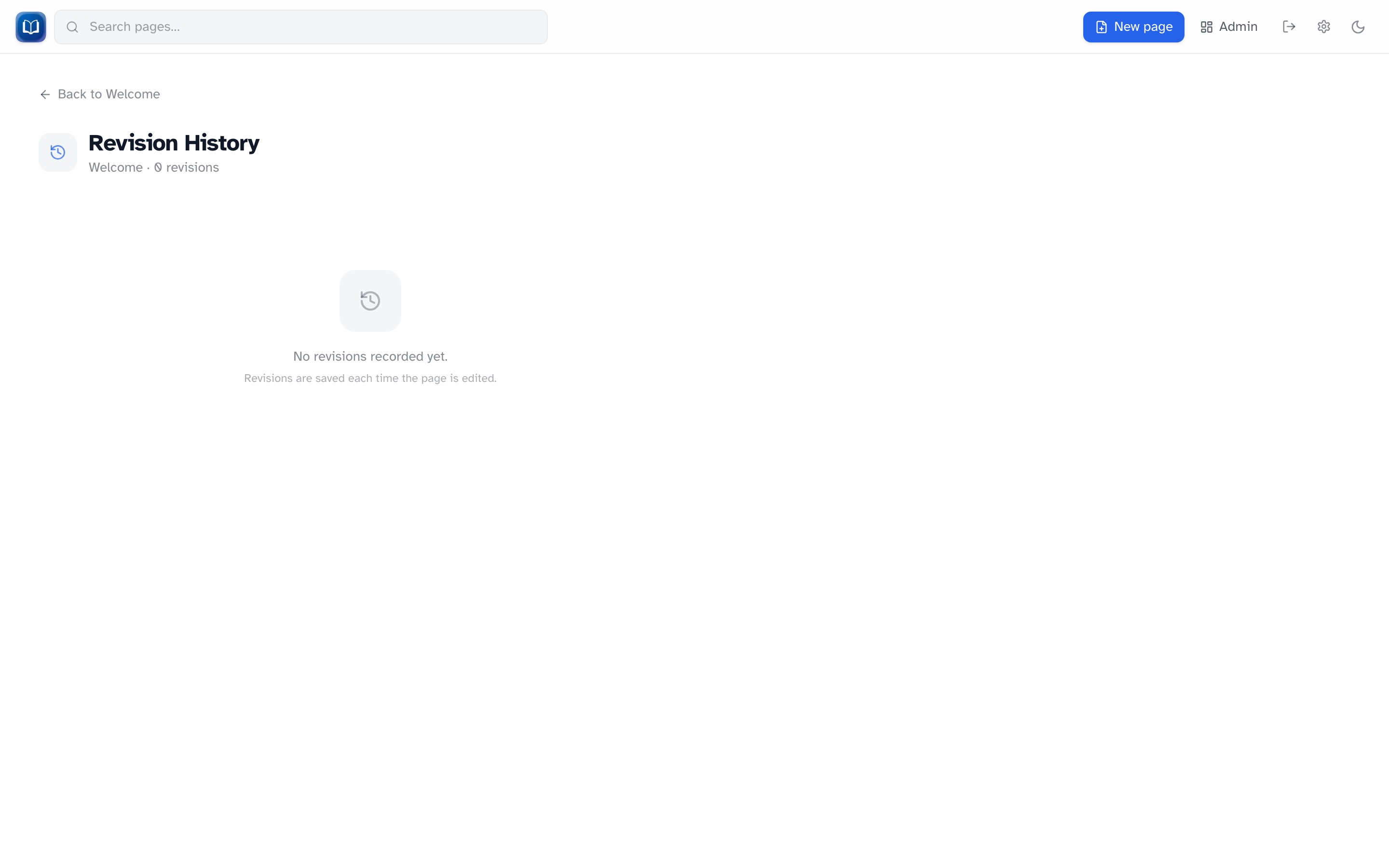 Per-page history with edit summaries and expandable diffs.
Every time you save a page, Simple-Wiki stores a new revision. You can look back at older versions, see what changed, and restore an earlier state if you need to.
Per-page history
On any article, click History next to Edit (you must be signed in to see those buttons).
The history page lists revisions newest-first. Each entry shows:
- When the edit happened
- The edit summary, if the editor wrote one
- An expandable diff against the next newer version (title changes included)
Restore is only available when you're signed in. Click Restore this version, confirm, and the wiki creates a new revision from that snapshot. Nothing in between is erased — you're just adding another version on top.
Recent changes
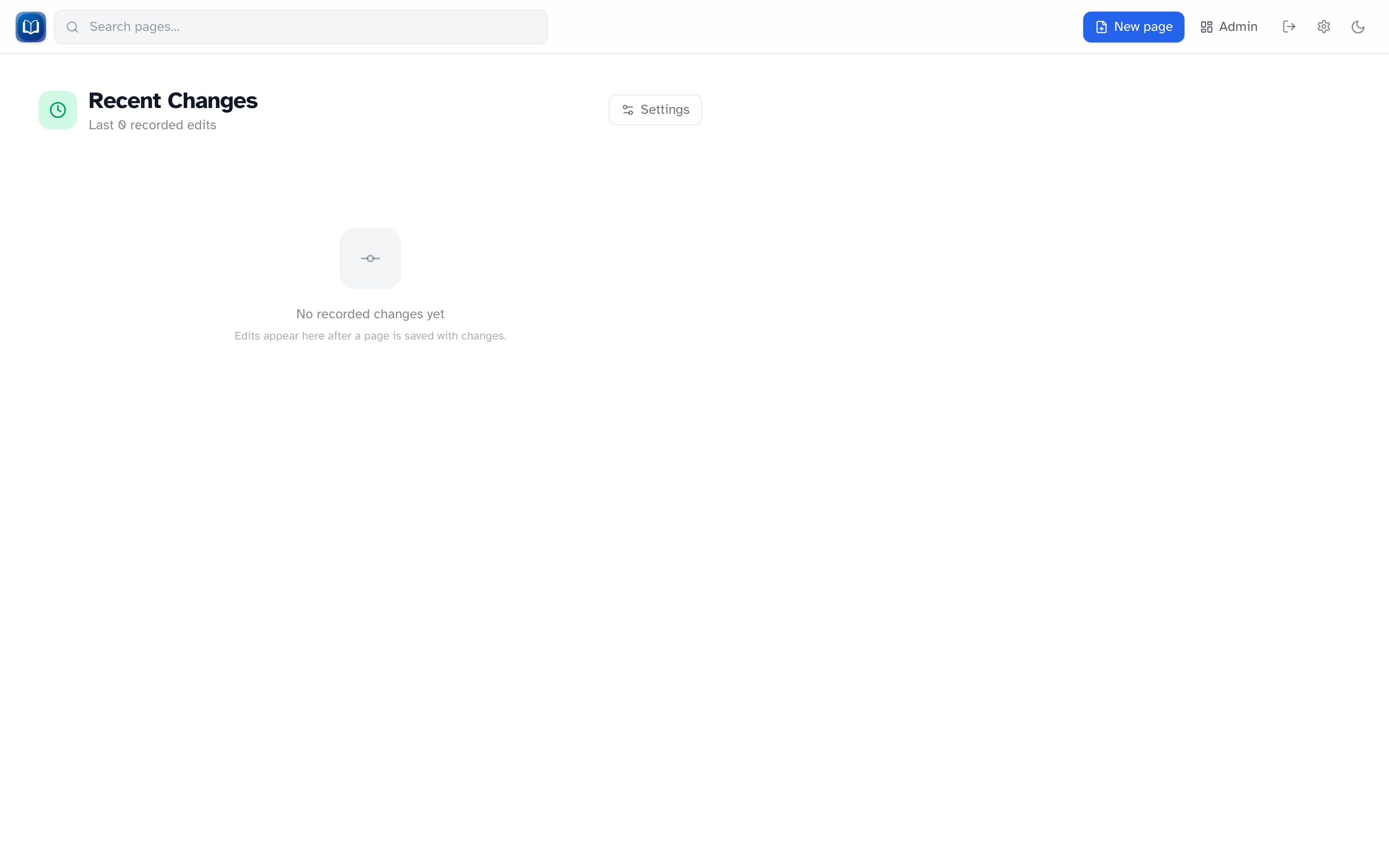 The
/recent feed groups edits by day with expandable diffs.
The Recent changes page shows the last 100 edits across the whole wiki, grouped by day. Expand any entry to load its diff.
Open it at /recent, or go to Admin → Recent Changes.
Revision retention
By default, every revision is kept forever. Admins can cap how many revisions are stored per page:
- Go to Admin → Recent Changes (or
/recent→ Settings) - Set Max revisions per page — leave blank for unlimited
- Save
When a limit is set, the oldest revisions are removed automatically. The live page content is not affected.
Edit summaries
The Edit summary field in the editor is optional, but worth using on bigger edits. Summaries show up in both per-page history and recent changes, which makes it much easier to scan what happened.
Tips
- Restoring never deletes history — it adds a new revision
- If you get a conflict while editing, use Reload latest or Overwrite with mine. History still shows what changed.