Reading preferences
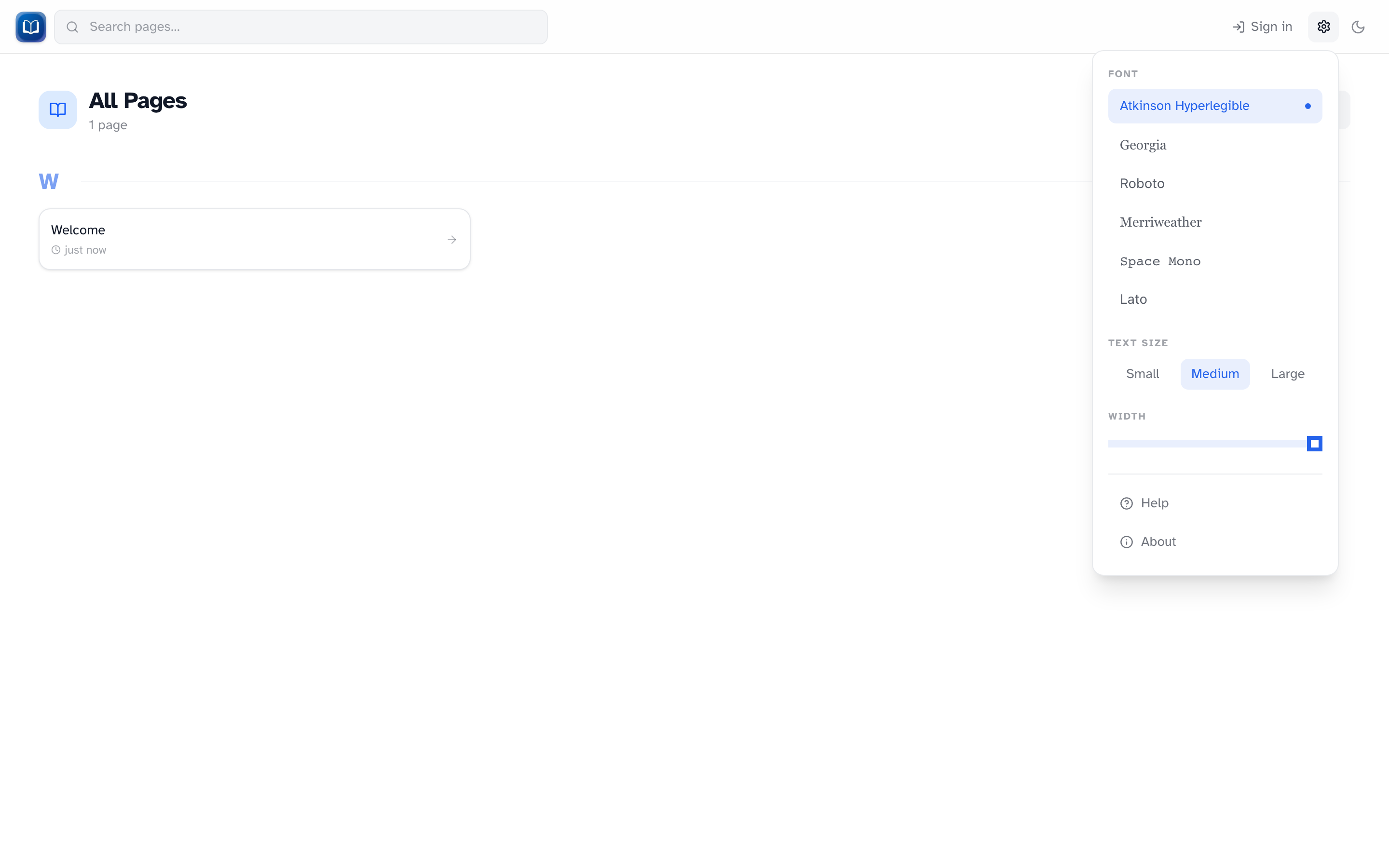 Font, text size, column width, and links to Help and About.
Click the gear icon in the header to adjust how articles look. Everything here is saved in your browser and applies across the whole wiki.
Font
Six options: Atkinson Hyperlegible (default), Georgia, Roboto, Merriweather, Space Mono, and Lato.
Text size
Small, Medium, or Large.
Column width
On desktop, drag the slider to narrow or widen the text column. Handy on wide monitors where long lines are hard to read.
Theme
The sun/moon toggle next to the gear switches light and dark mode. Saved in a cookie.
Help and About
- Help — opens
/wiki/help - About — wiki version and build info
Per browser
These settings don't sync between devices or browsers. Set them up on each machine you read from.