Extensions
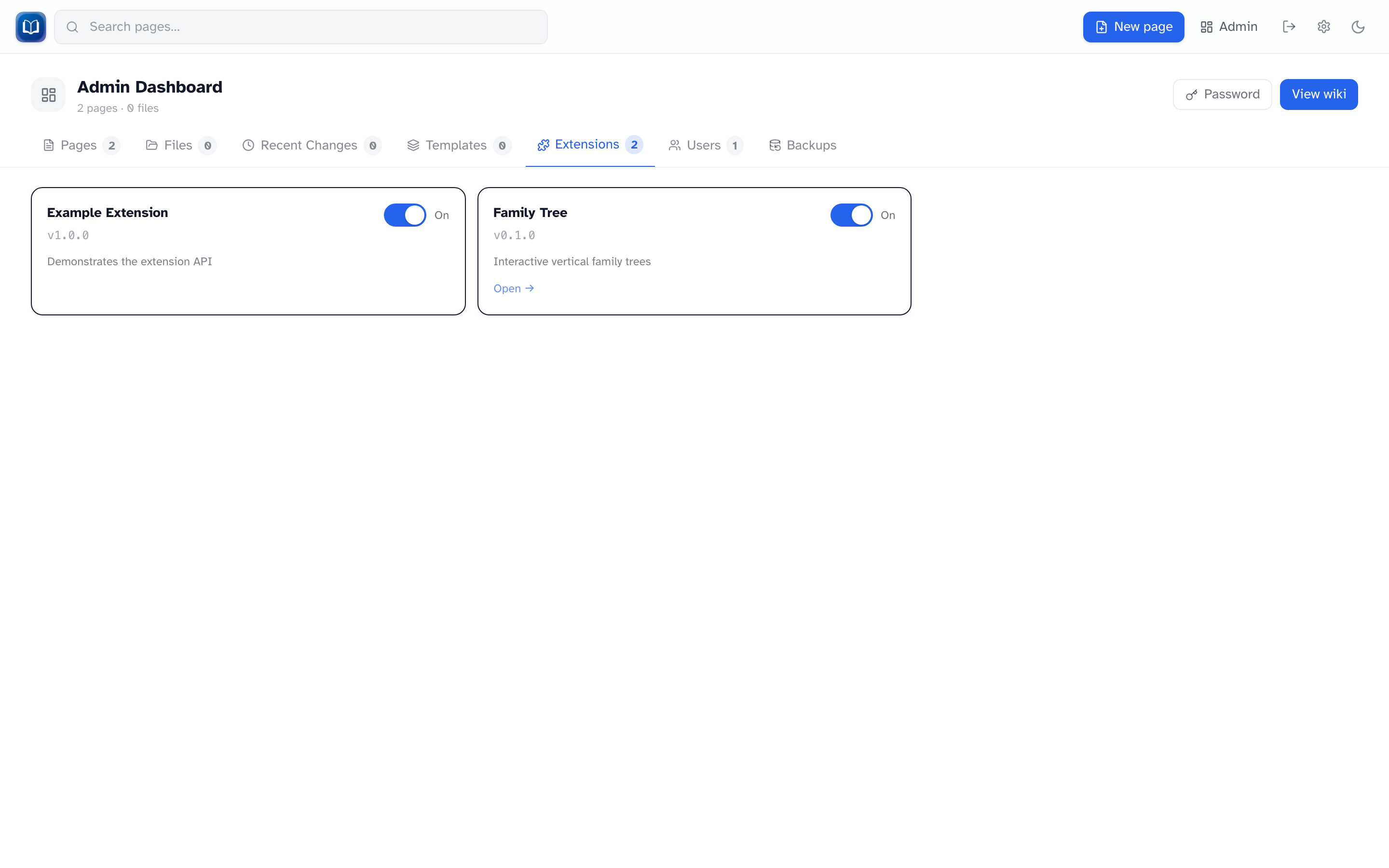 Enable or disable bundled extensions.
Extensions add features beyond the core wiki. They're built into the app — you enable or disable them here, not install new ones from the UI.
Admin → Extensions
| Column | Meaning |
|---|---|
| Name / Version / Description | What the extension is |
| Enabled | On/off toggle — takes effect immediately |
| Manage | Link to the extension's page (if it has one) |
When an extension is off:
- Its pages, and any embed that tried to show it, say X extension is disabled - enable in admin settings (using that extension's name)
- Toolbar buttons and sidebar links disappear
Family Tree
The main extension in production builds:
/family-tree— manage trees{{FamilyTree|family=slug}}— embed in articles- Toolbar integration in the page editor
See Family trees.
Adding new extensions
New extensions are added by a developer editing the source code — see CONTRIBUTING.md.
Trust matters
Extensions run code at server startup. Only use extensions you wrote or fully trust.