Reading pages
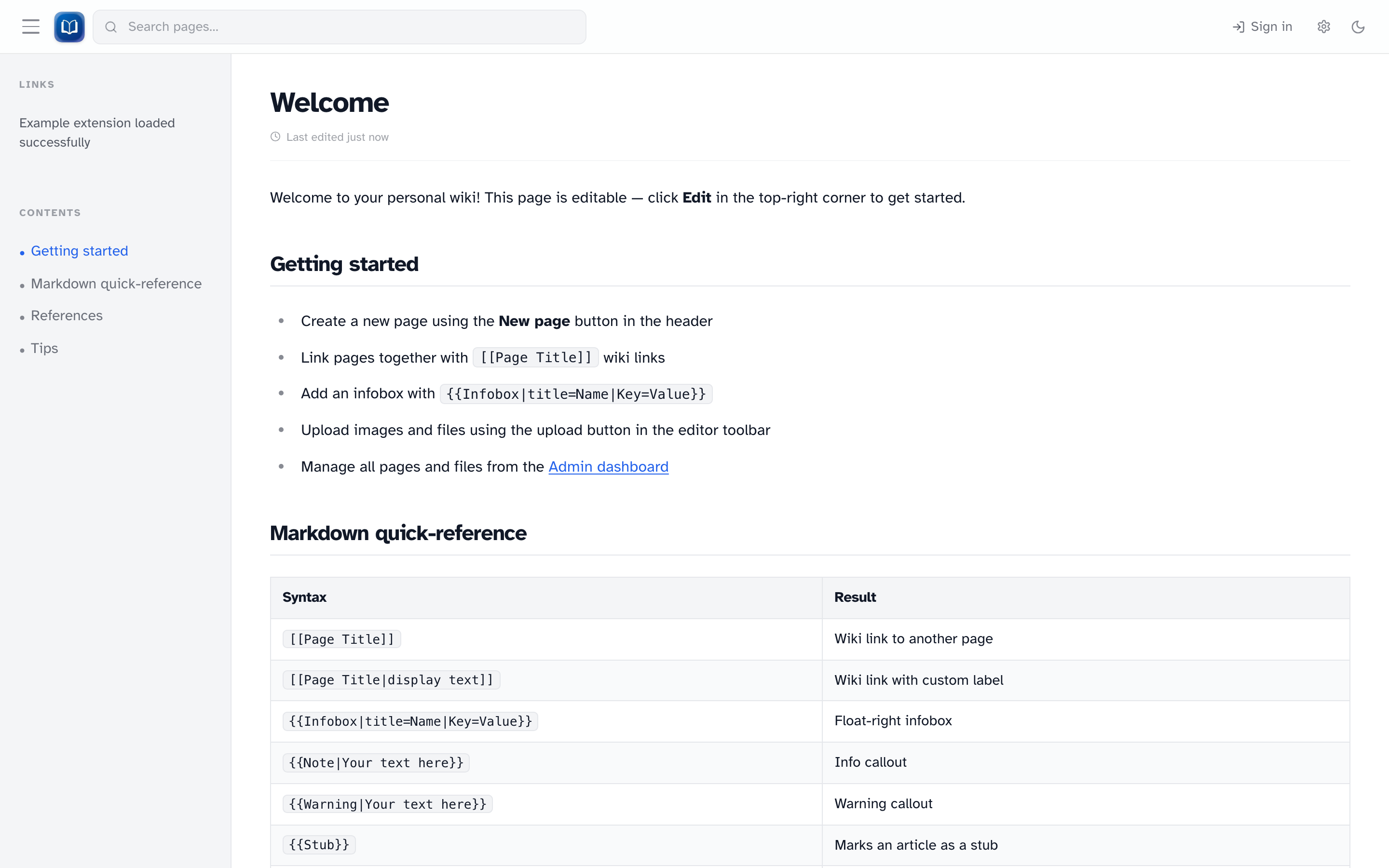 A typical article page with title, last-edited time, and rendered markdown content.
Home page
The home page (/) shows the article stored as home. On a fresh install, that's a welcome page with tips and a syntax cheat sheet.
If home doesn't exist yet, you'll see a short placeholder instead.
Articles
Wiki pages live at /wiki/[slug] — for example, /wiki/my-page.
Each article shows:
- The page title
- When it was last edited
- Edit and History buttons (signed-in users only)
- Rendered markdown — syntax highlighting, tables, callouts, infoboxes, embedded family trees, and so on
Table of contents
Long articles get a table of contents in the sidebar (headings level 1–4). Click a heading to jump to that section.
Wiki links
[[Page Title]] links to another page. Existing pages show as normal blue links.
Red links mean the page doesn't exist yet. If you're signed in, clicking one lets you create it.
Images
Click an image to open a lightbox. Use arrow keys or the on-screen controls to zoom and move between images.
References
Pages with citations get a References section at the bottom. Click a citation number to jump to the source.
See References for how to write them.
Browsing all pages
Go to /pages for an alphabetical list of articles, or /pages?ns=template for templates.